Het PHP-beveiligingslek is opgelost. Bekijk onze helppagina of lees in onze blog wat er gebeurde.
Exchange Online account toevoegen in Apple Mail
Laatst bijgewerkt: 03 juli 2025
Als je Microsoft 365 met Exchange Online afneemt bij ons kun je jouw postvak toevoegen in Outlook of Apple Mail. In dit artikel leggen we alles uit over een Exchange Online account toevoegen in Apple Mail.
Outlook voor Mac
1. Open Outlook voor Mac;
2. Klik in de menubalk op ‘Outlook’ naast het Apple logo;
3. Klik vervolgens op ‘Voorkeuren’ en dan ‘Account’;
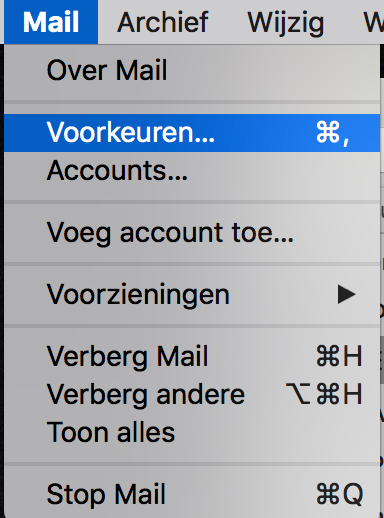
4. Klik op het + icoon;
5. Voer je mailadres in en klik vervolgens op ‘Doorgaan’.
6. Vul het wachtwoord in en klik op ‘Account toevoegen’;
7. Je account is nu toegevoegd.
Was dit artikel nuttig?